

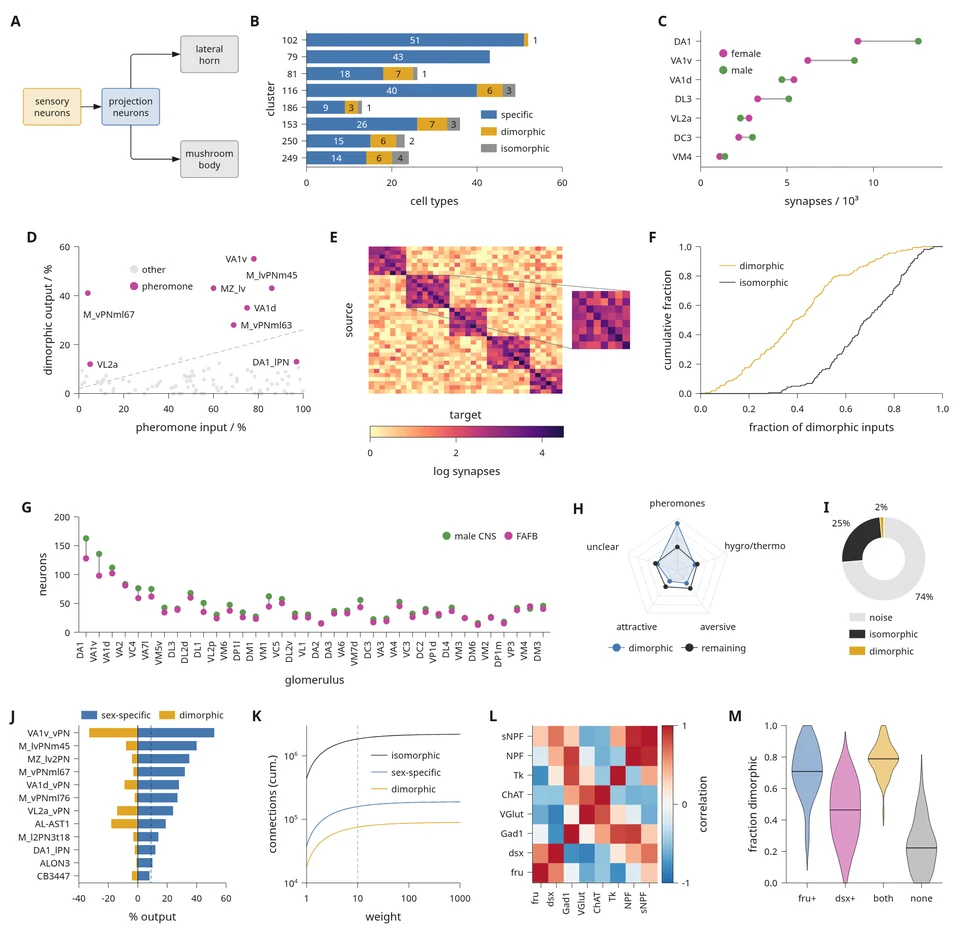
 Dense figure pagesThirteen panels on one 183 mm page with the scientific.cell preset, and the calls behind each panel.
Figures and layout
An Inklet figure is a page with a physical width, such as 89 mm for a single journal column or 183 mm for a double column. Cells on that page hold plots, diagrams, images and 3D scenes. Before each plot's data area is placed, Inklet measures its axis labels, tick labels and legend with the embedded font, so the text keeps its point size when the page is resized.
Whole pages
A document has a physical page width. Plots, diagrams, images and 3D panels are placed in its cells.
Dense figure pagesThirteen panels on one 183 mm page with the scientific.cell preset, and the calls behind each panel.
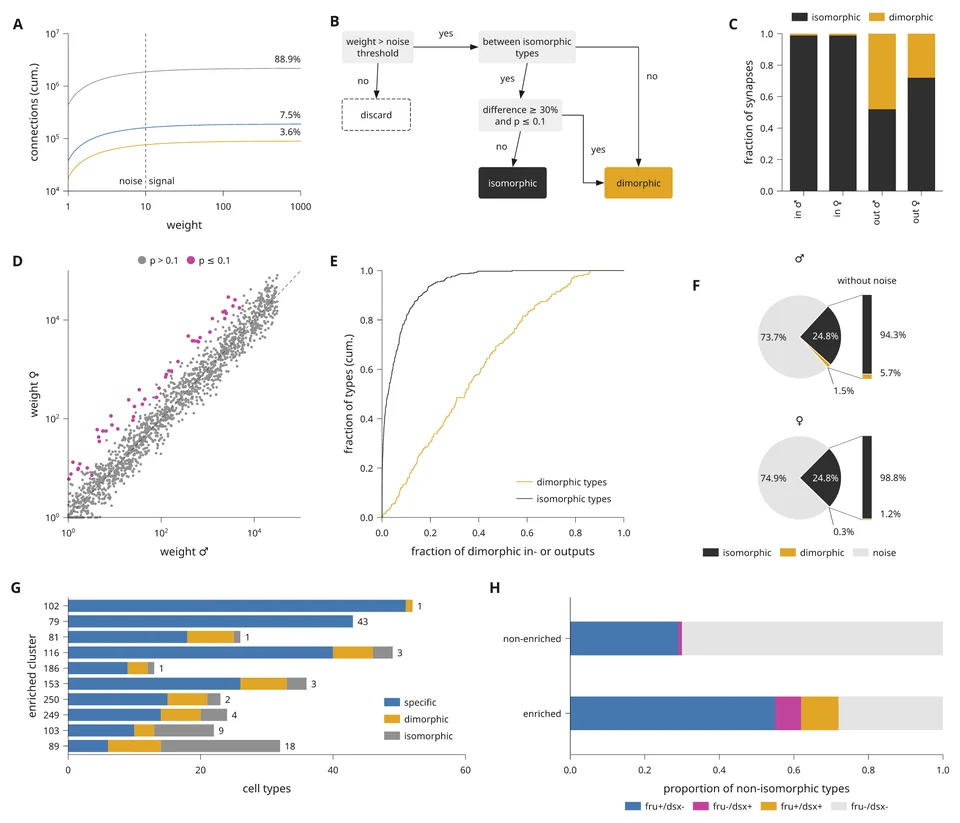 Rebuild a journal figureA published Cell figure page rebuilt step by step, from the grid and preset to lint and export.
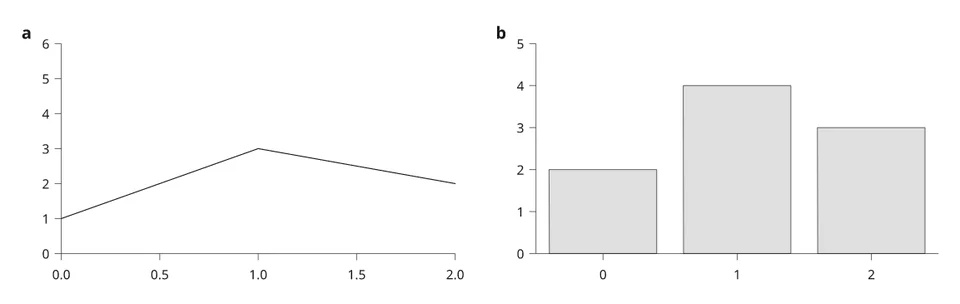 Panel layout in millimetresRows, columns, spans, nested subfigures and panel letters on a page of fixed width.
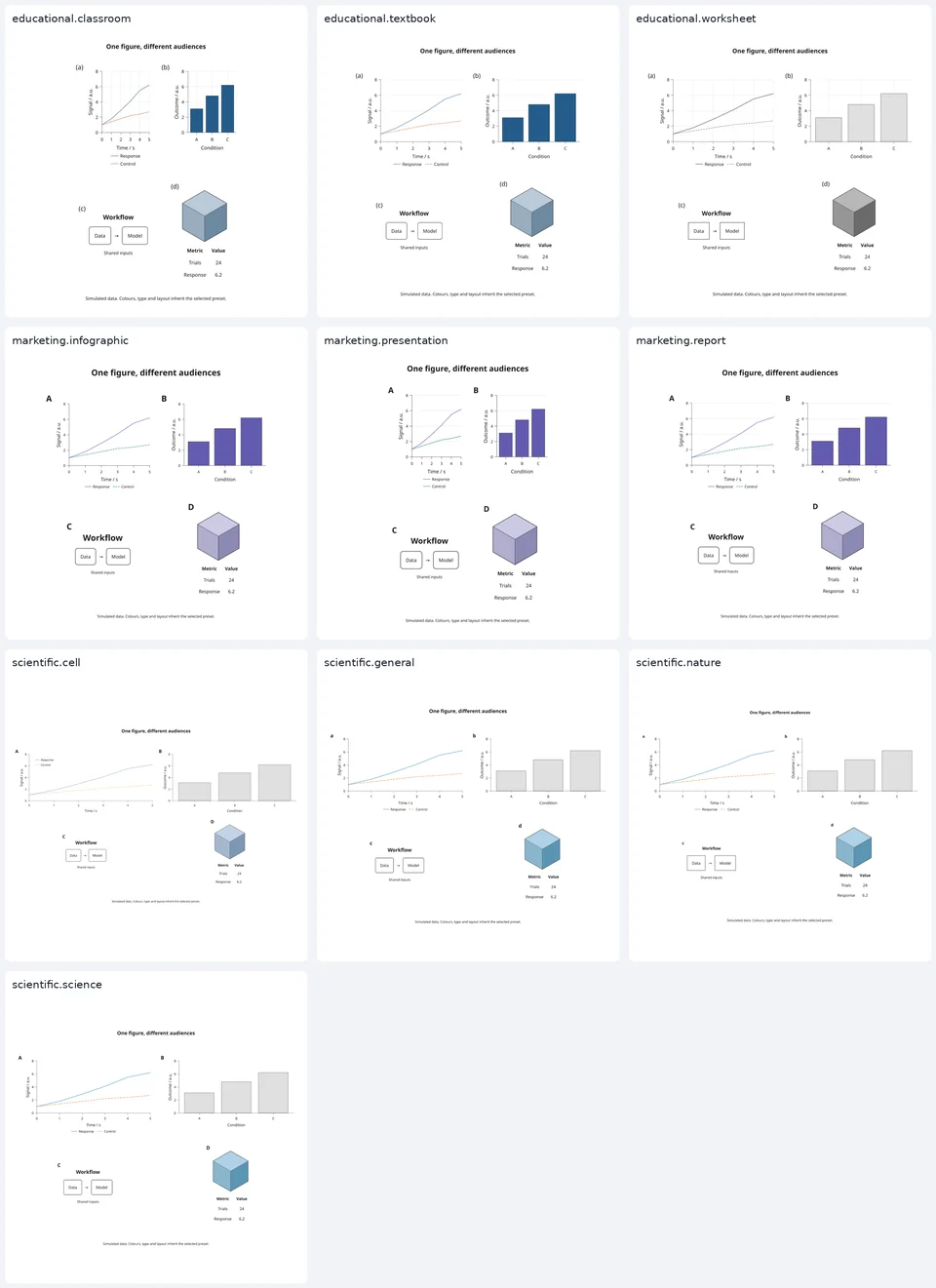 Presets and journal stylesType sizes, strokes, palettes and page formats for journals, slides and posters.
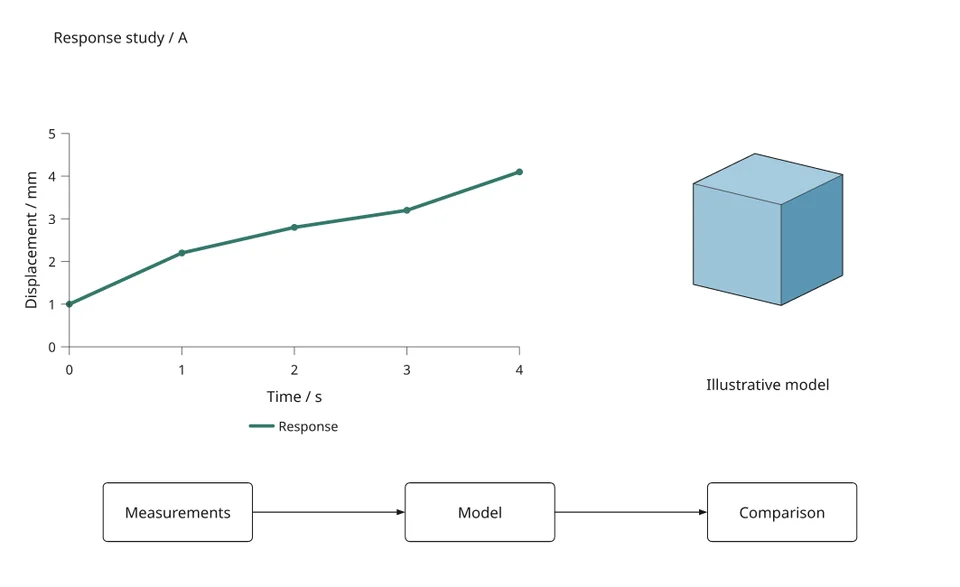 Reusable compositionsNamed slots and measured placement, instantiated with different plots or diagrams.
Scientific plates
Larger figures that combine anatomy, diagrams, microscopy and plots.
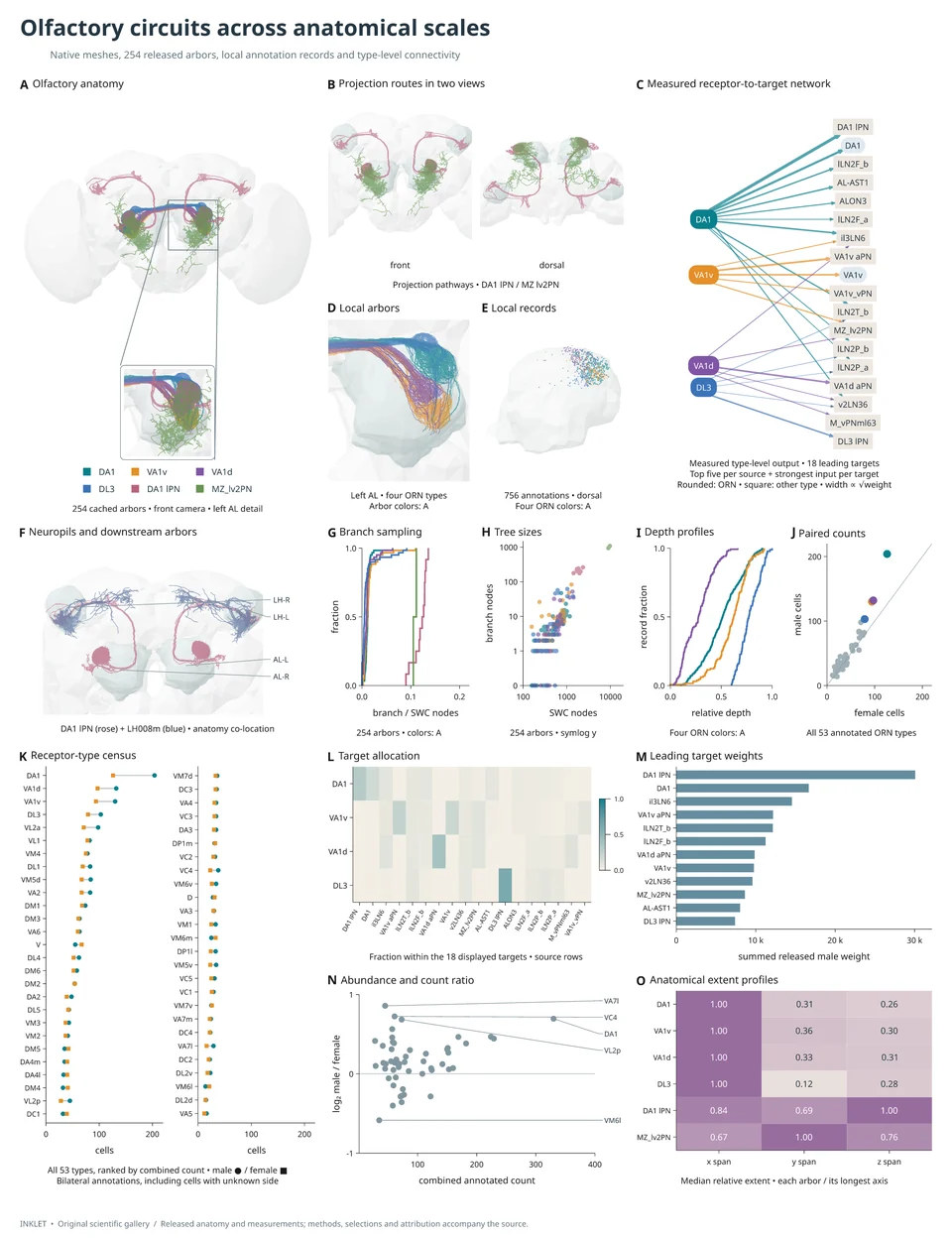 Scientific figure galleryFly-brain plates with anatomy renders, projection routes, arbors and connectivity networks.
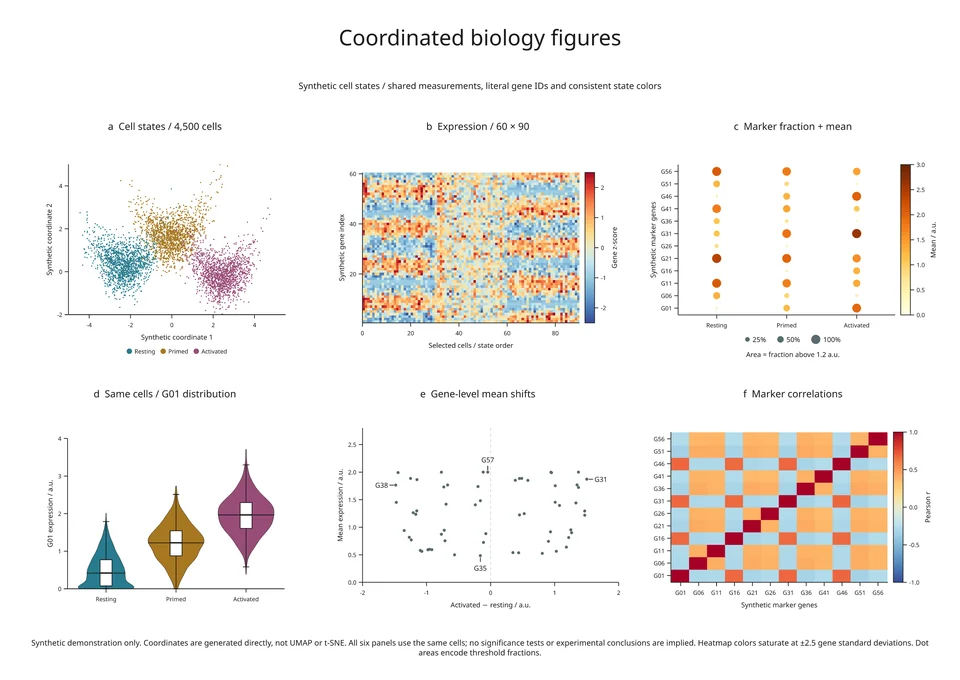 Coordinated biology figureSix panels from 4,500 synthetic cells and 60 genes, derived from one set of measurements.
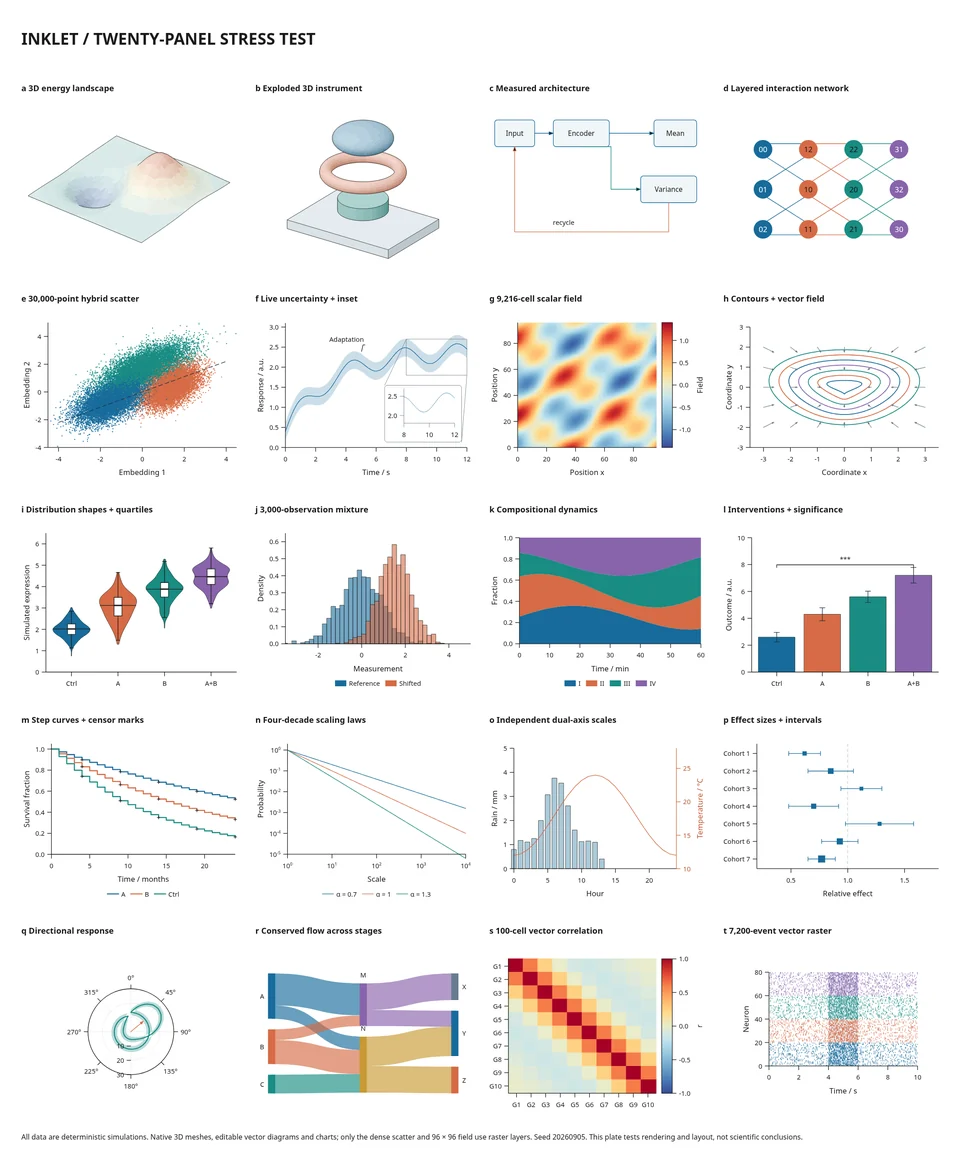 Twenty-panel figureA 360 × 440 mm plate with 3D, diagrams, 30,000 points and twenty nested subfigures.
Techniques for scientific plates
Revise and edit
Where to start
For a first page, follow the first figure tutorial. For
many small panels, start from dense figure pages and the
scientific.cell preset. For a layout that is reused with different content,
use reusable compositions.